Getting started: your first leak audit
Run a free audit, read the report and fix the first leak. No account needed.
1. Pick the audit for your business
TightBucket has four audits that share the same engine but look for different leaks. Choose the one that matches how your site makes money:
- Store Leak Audit: online stores (Shopify, WooCommerce, any platform).
- SaaS Signup Leak Audit: software with self-serve signup or trials.
- Pipeline Leak Audit: B2B companies that book demos or calls.
- Agency Proof Audit: agencies and freelancers who win clients through their site.
2. Enter your address and run it
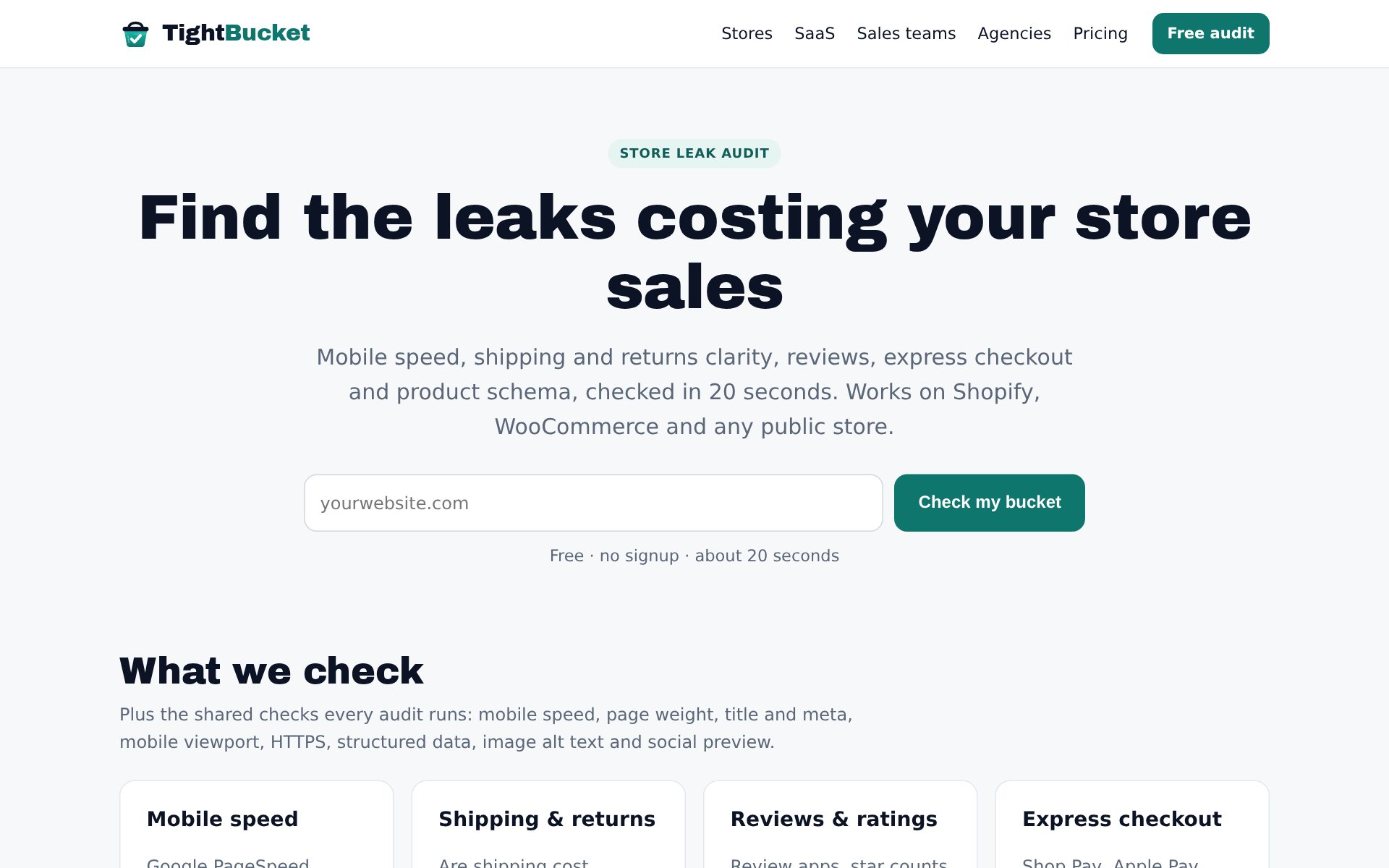
Type your website (for example yourstore.com) and press Check my bucket. The audit reads your public pages, Google PageSpeed (mobile) and your DNS, the same way a visitor's browser would. It takes about 20 seconds. You can run 5 free audits a day without signing up.
3. Read your report
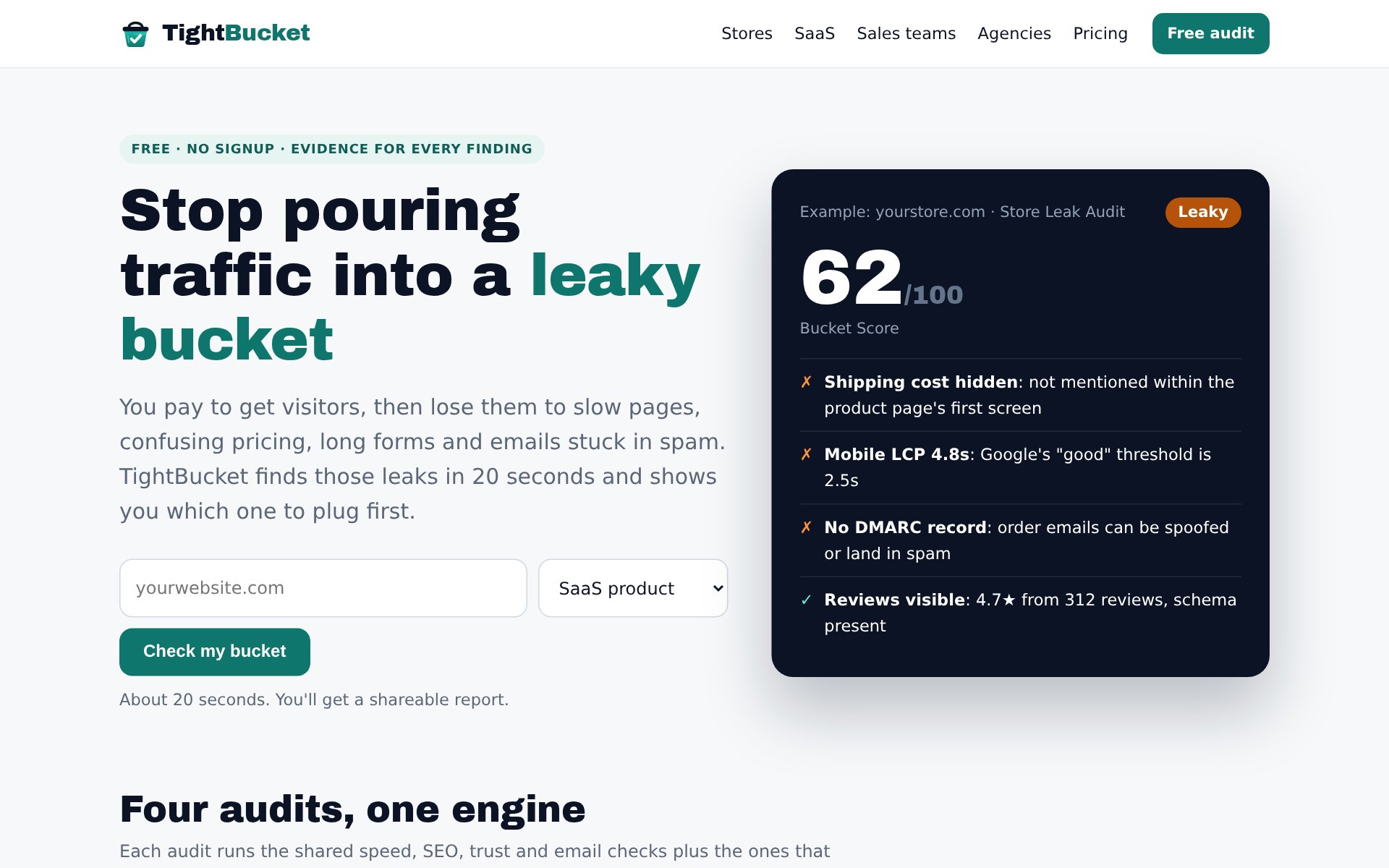
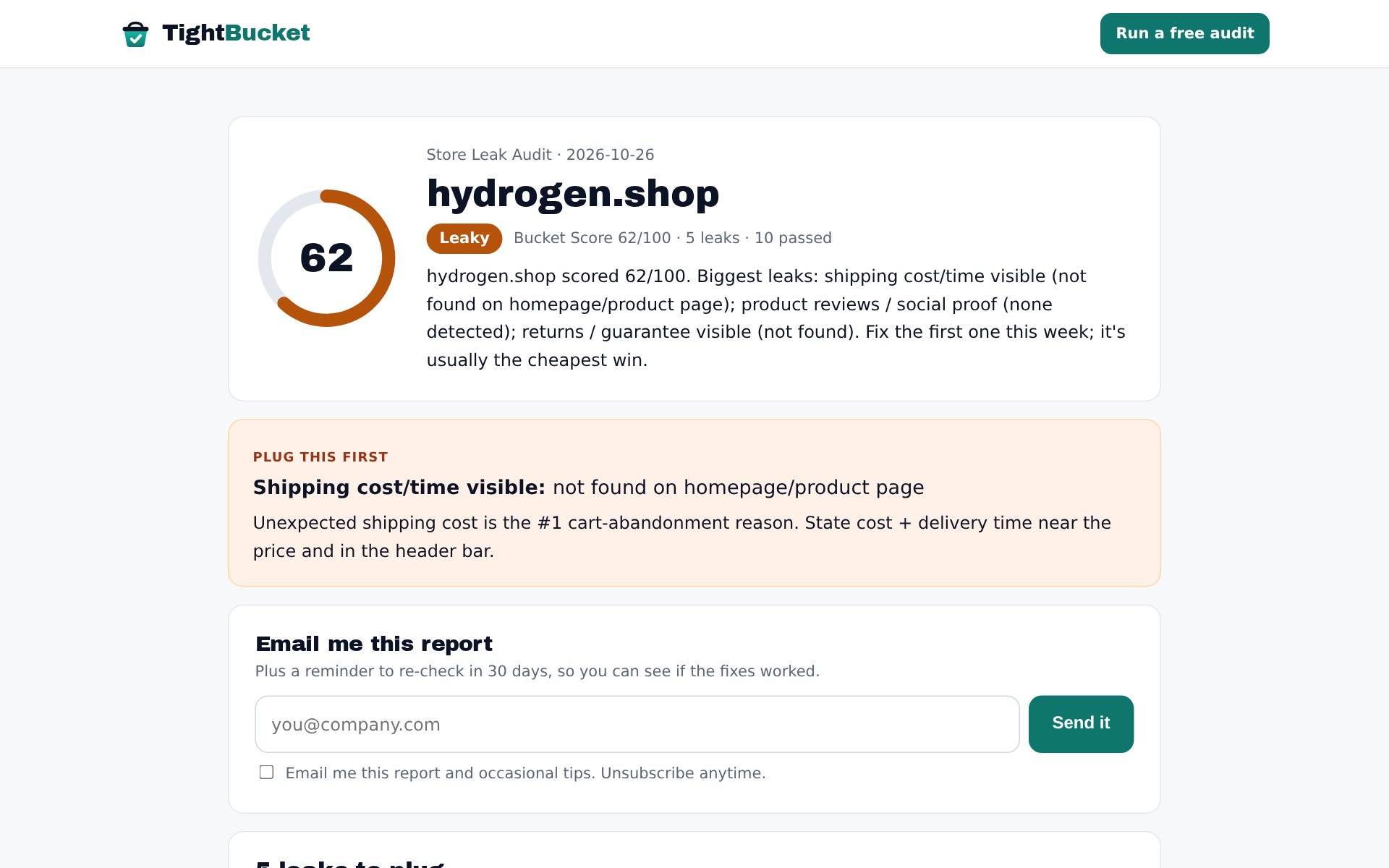
Your report opens at a private, unguessable link. At the top is your Bucket Score out of 100 and its band:
90+ Watertight · 75+ Tight · 50+ Leaky · 0+ Pouring out
Below it, Plug this first shows the single fix with the biggest impact.
4. Work through the leaks in order
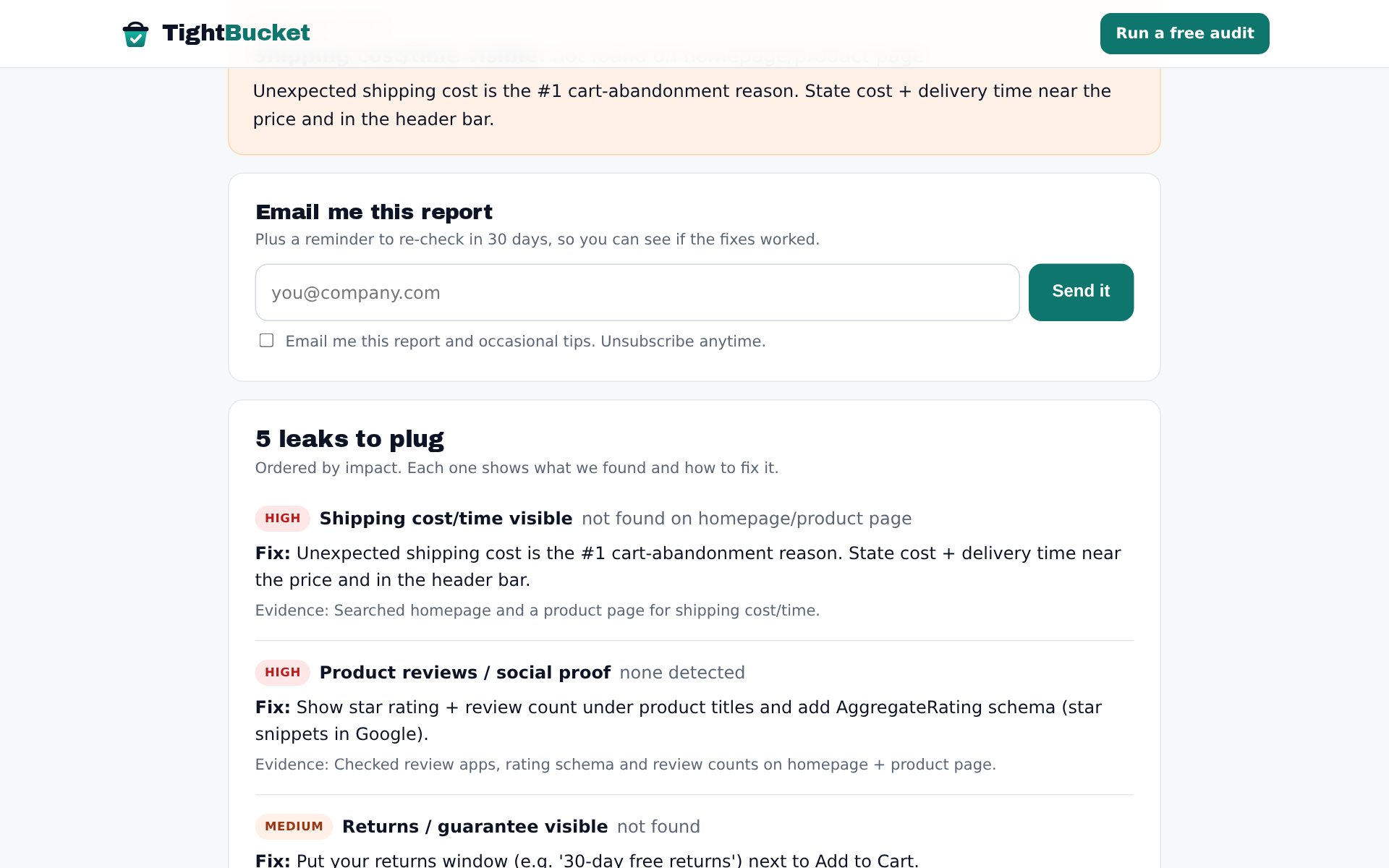
Leaks are ranked by impact. Each one shows what we found (the evidence: a field count, a DNS record, a PageSpeed number), why it matters, and a one-line fix. If a finding looks wrong, the evidence lets you check it yourself.
5. Keep the leaks from coming back
Sites change every week: a new app, a theme update, an expired DNS record. Join TightBucket Free on Whop to have one site re-checked every month and get an email only when something breaks. Pro re-checks five sites every week.
Questions
Do you need access to my site?
No. We only read public pages and public DNS. No login, install or tracking code.
Is my report public?
It's at an unguessable link and marked noindex. Anyone you share the link with can see it.
Why did my score change between runs?
PageSpeed numbers vary from run to run. Everything else changes only when your site changes.