WordPress plugin: install and use
A free audit inside wp-admin, a weekly re-check and a dashboard widget with your score.
Install
- Download the plugin zip from Free downloads (or search "TightBucket Leak Monitor" in Plugins → Add New once it's listed on WordPress.org).
- In wp-admin go to Plugins → Add New → Upload Plugin, choose the zip and press Install Now.
- Press Activate.
Run your first audit
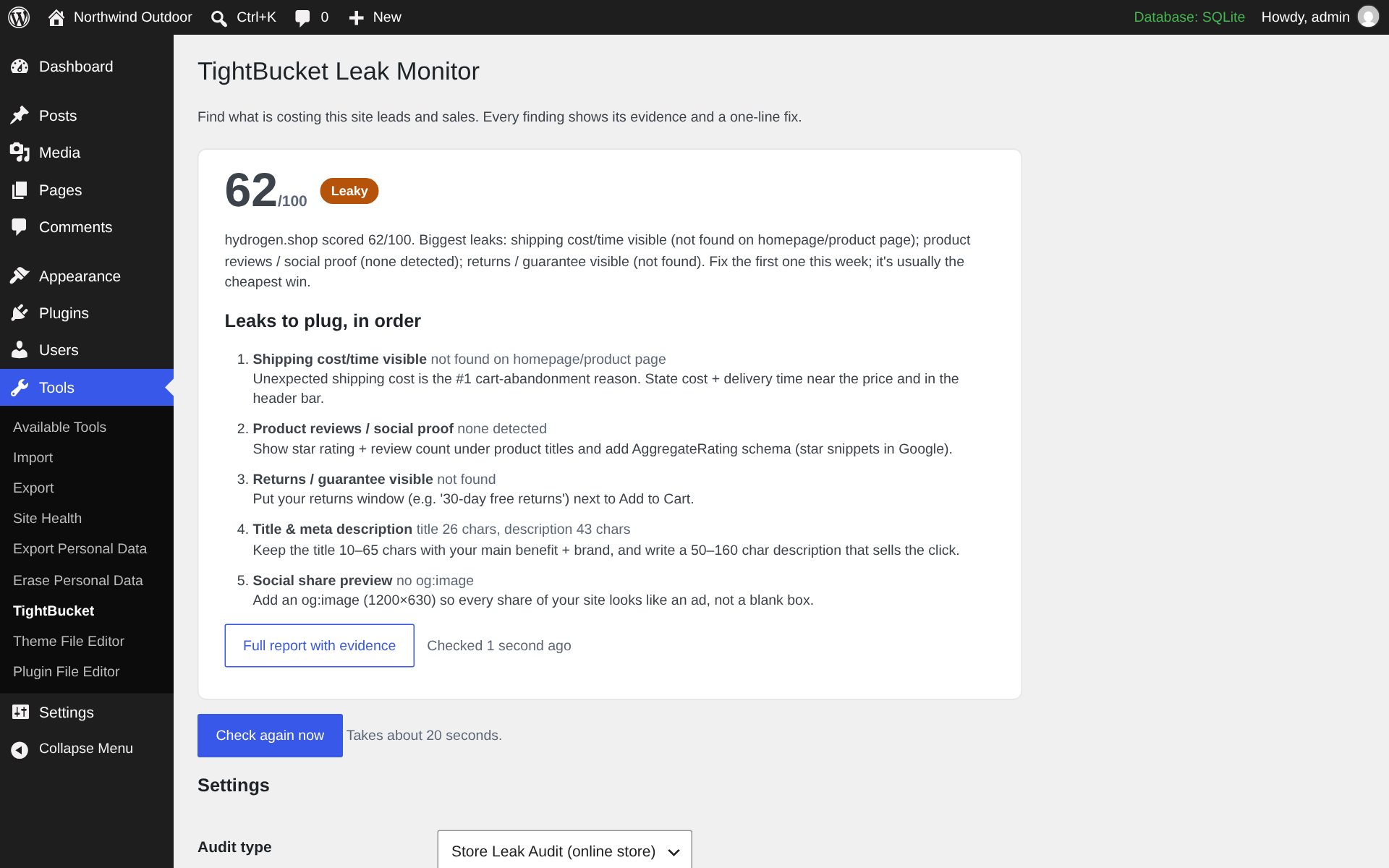
Open Tools → TightBucket, choose your audit type under Settings and press Run my free audit. About 20 seconds later you'll see your score and the leaks to plug, in order, with a link to the full report.
Weekly re-check and dashboard widget
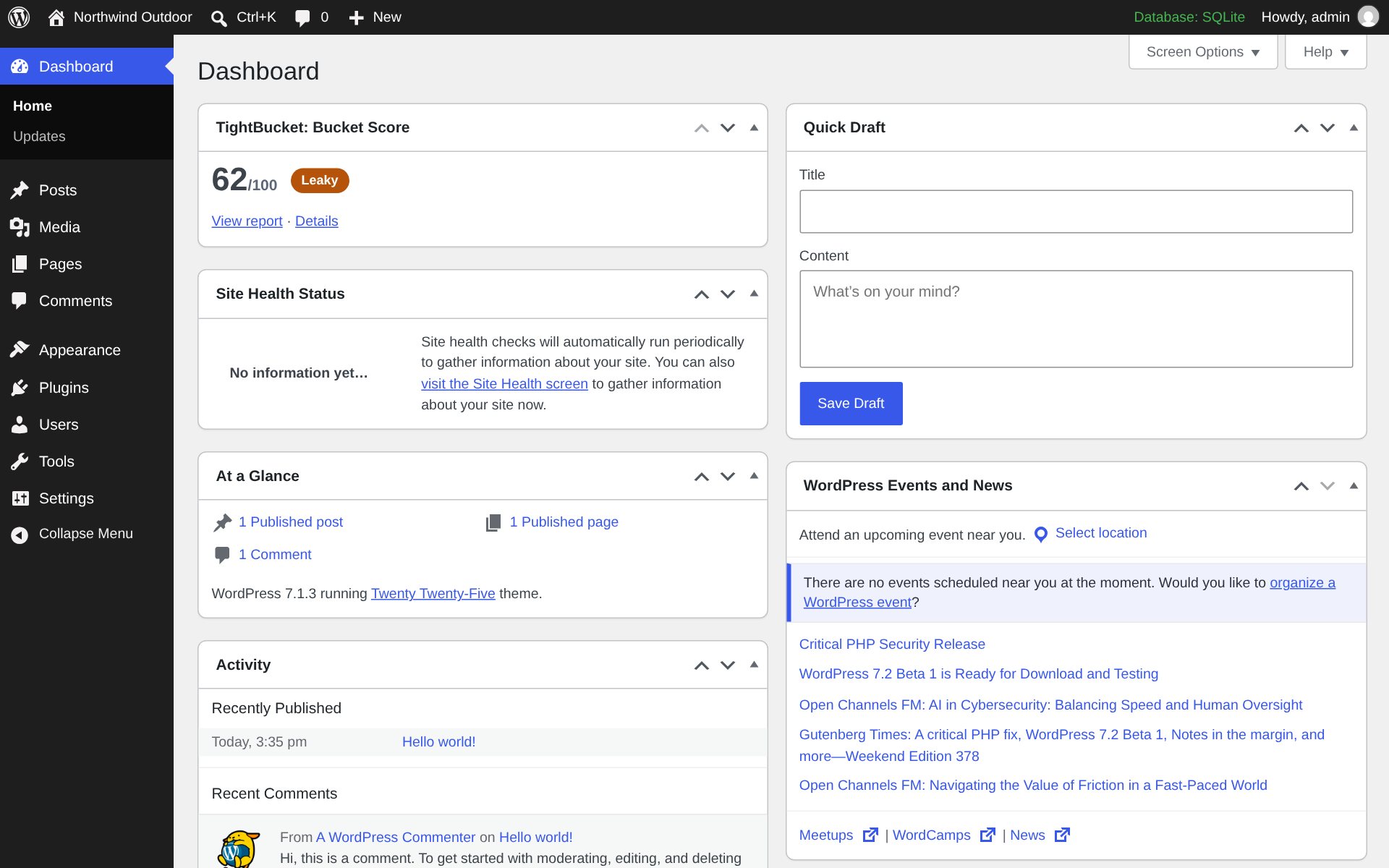
Leave Weekly re-check on and WordPress re-runs the audit every week (WP-Cron). The TightBucket: Bucket Score widget on your dashboard shows the latest score, so a drop is the first thing you see.
Use your plan (optional)
Paste your API key (Whop dashboard → API) into API key for higher limits and report history. Every feature works without one.