White-label reports (Agency plan)
Put your agency's name, logo and colour on every report, then use them for client check-ups and prospect outreach.
Set your branding
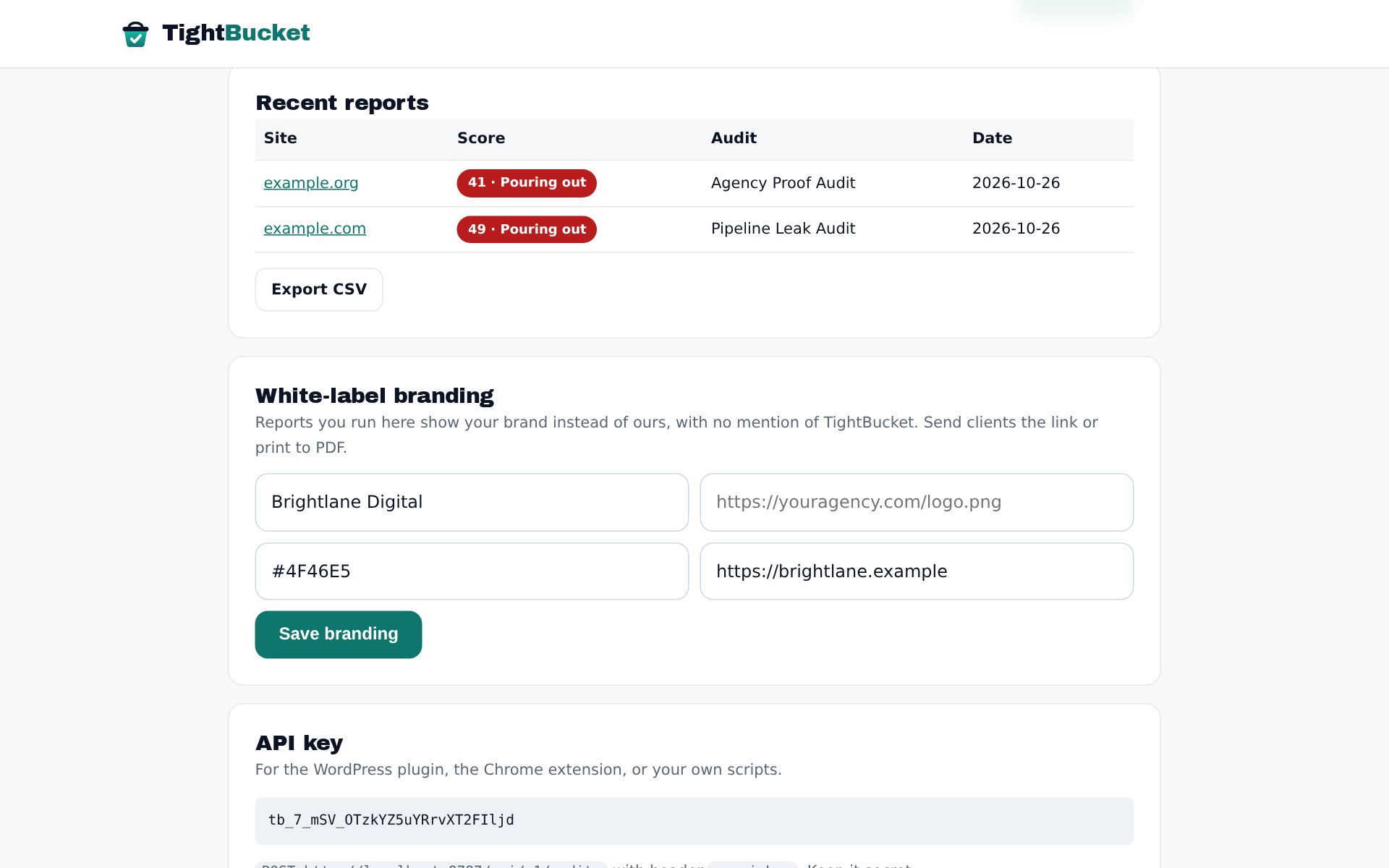
In the dashboard, open White-label. Enter your agency name, a logo URL (https), your brand colour (hex, e.g. #4F46E5) and your website, then Save branding.
Run reports under your brand
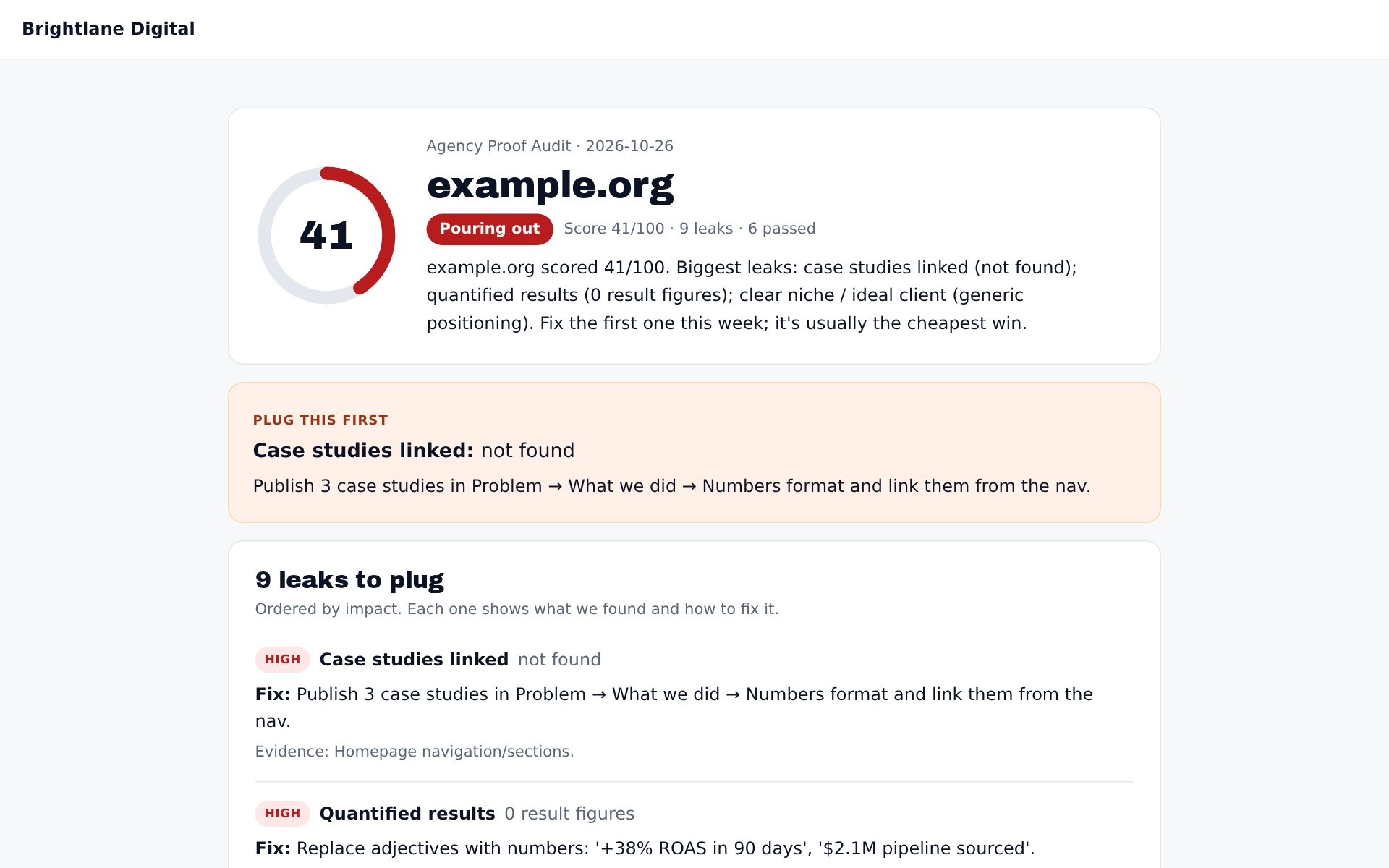
Every audit you run from the dashboard from then on shows your brand at the top and no mention of TightBucket. Send the link to clients, or print it to PDF from the browser (the report has a print layout).
Monitor client sites
Agency includes 25 monitored sites. Add each client's site; they're re-checked weekly and you're emailed when a score drops, so you can tell the client before they notice.
Use reports to win clients
Run the audit on a prospect's site, then lead with one specific finding and its evidence, for example: "Your demo form asks for 9 fields; here's the report." It's useful on its own, which is why it gets replies.