Shopify app: install and use
The Store Leak Audit inside your Shopify admin, with weekly monitoring on Pro.
Install
Open the TightBucket listing in the Shopify App Store and press Install. Shopify asks you to approve read access to your store's basic details; nothing else.
Until the listing is live, run the same audit on the web: Store Leak Audit.
Your store's audit
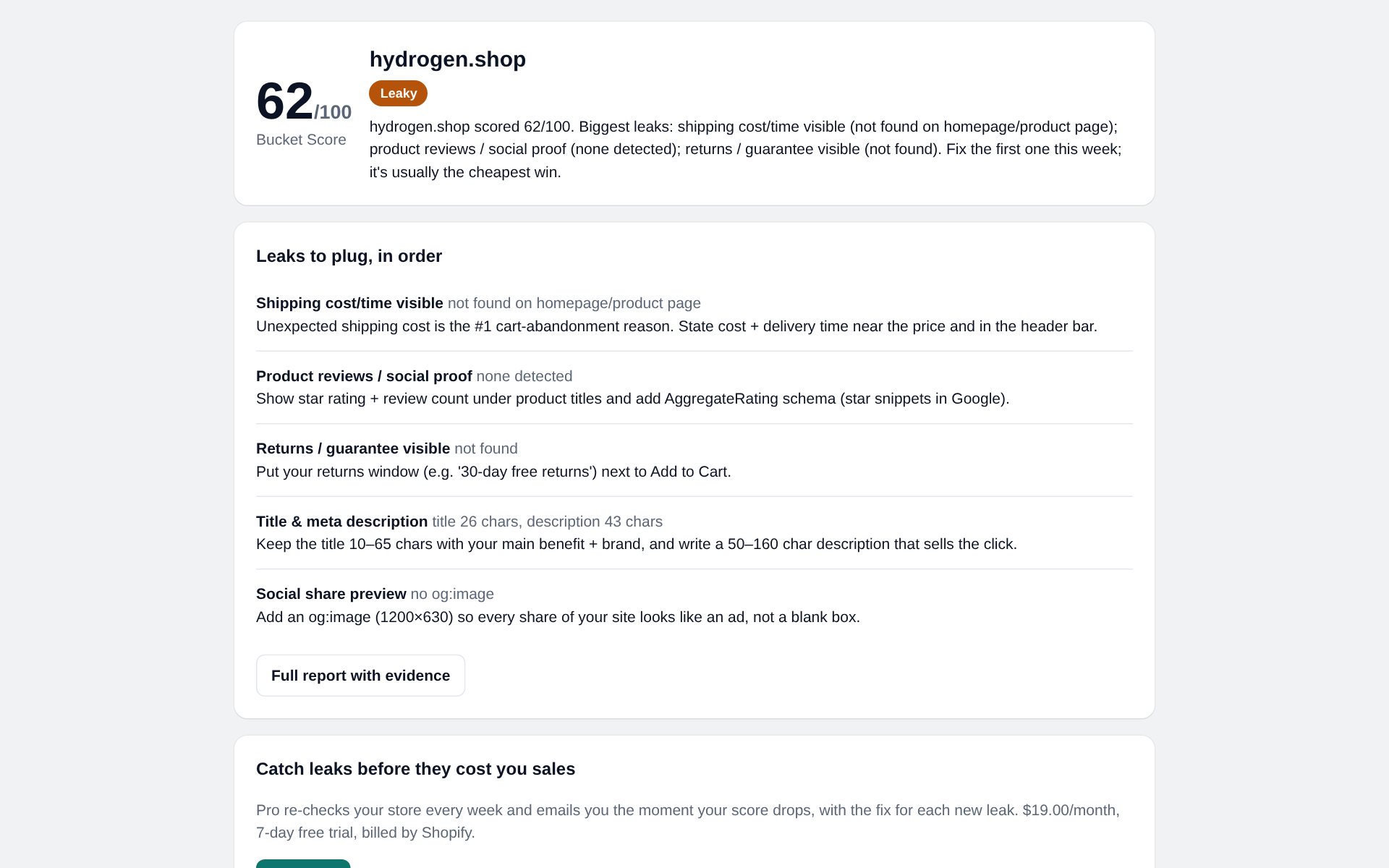
Open the app from Apps → TightBucket. It audits your primary domain automatically: score, band, summary and the top leaks, each with a fix. Full report with evidence opens the complete report.
Pro: weekly monitoring
Press Start Pro to approve the subscription in Shopify ($19/month, 7-day free trial, billed by Shopify). The app then re-checks your store every week and emails you when the score drops.