Your member dashboard and team workspace
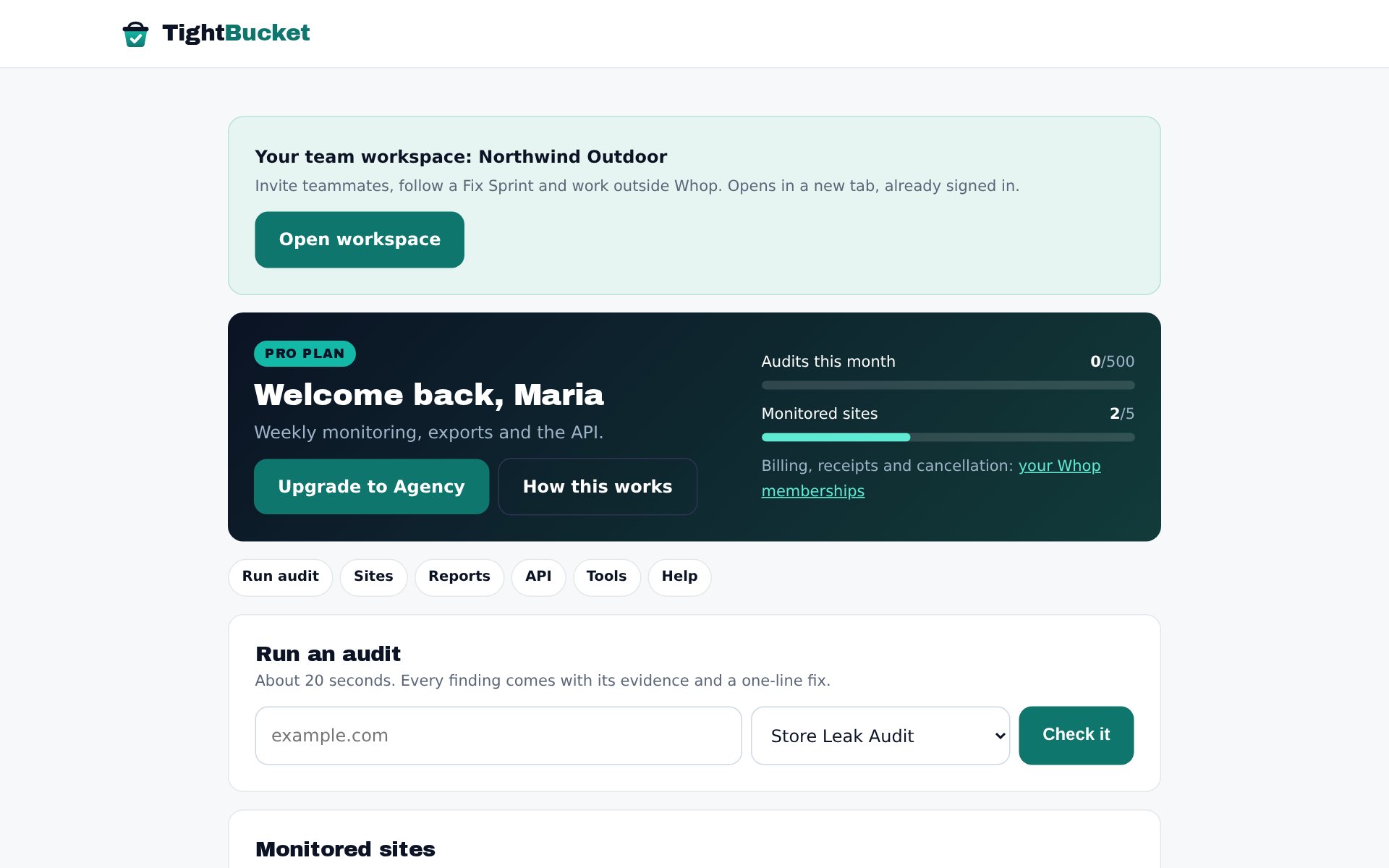
Pro and Agency come with your own team workspace: audits, monitored sites, reports, exports and your API key, shared with the people you invite. Open it from Whop or on our site.
Open the dashboard
When you buy Pro, Agency or a Fix Sprint, we set up your team workspace straight away and email you a link that signs you in (it works once and lasts 7 days). After that, open it either way:
- From Whop: open your TightBucket membership on whop.com, open the TightBucket app and press Open workspace.
- On our site: go to /app/ and sign in with Whop, or with your email address (we send a one-time link). You can also set a password under Account.
Only the newest sign-in link works. If an older one says it has expired, request a fresh one from the sign-in page.
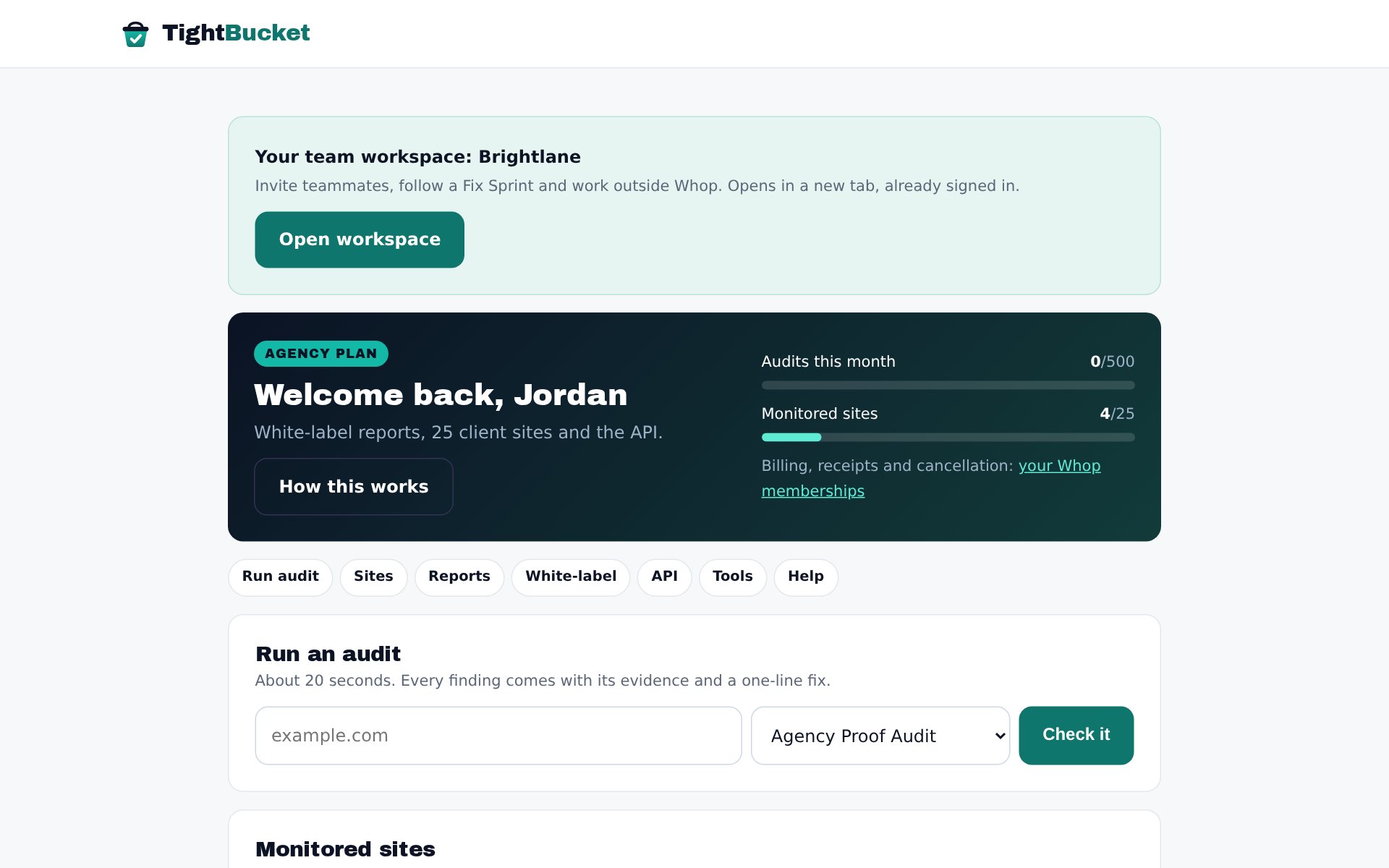
The header shows your plan, how many audits you've used this period and how many monitored sites you have. Billing, receipts and cancellation live in your Whop account under Memberships.
Run an audit
Enter any site, choose the audit type and press Check it. Member audits use your plan's allowance (Free 3 a month, Pro and Agency 500) and get AI-written summaries. The report opens from Recent reports.
Monitor sites
Add your own site first, then a competitor or two. Pro re-checks monitored sites weekly (Free: monthly). You only get an email when something changes, with the new leak and its fix. Remove a site any time to free the slot.
Export and use the API
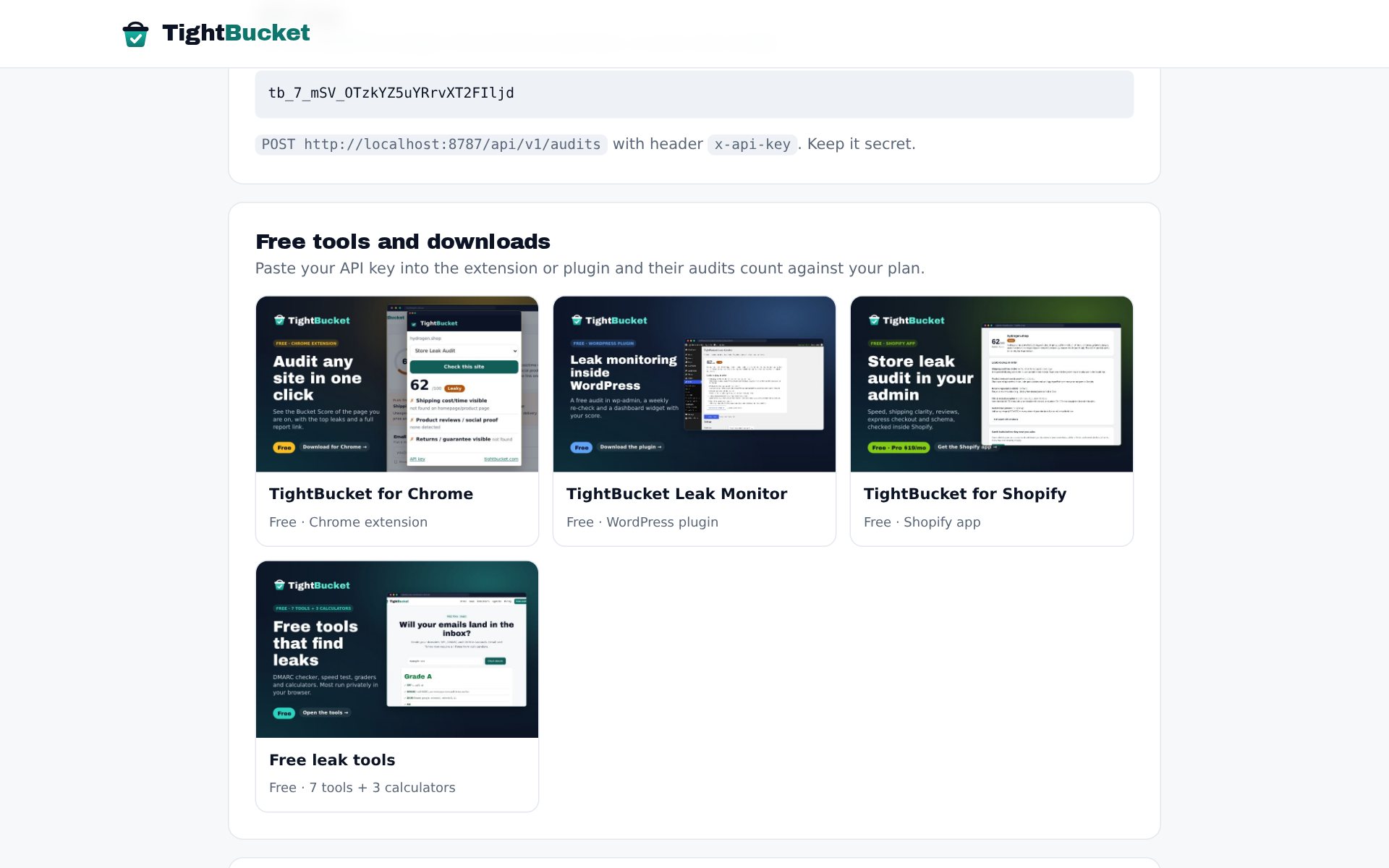
On Pro and Agency, Export CSV downloads every finding from your recent reports (one row per check). Your API key lets the Chrome extension, the WordPress plugin or your own scripts run audits on your plan: POST /api/v1/audits with the header x-api-key.
Free tools and downloads
The Tools section links the Chrome extension, WordPress plugin, Shopify app and the free tools. Paste your API key into the extension or plugin and their audits count against your plan.
Invite your team
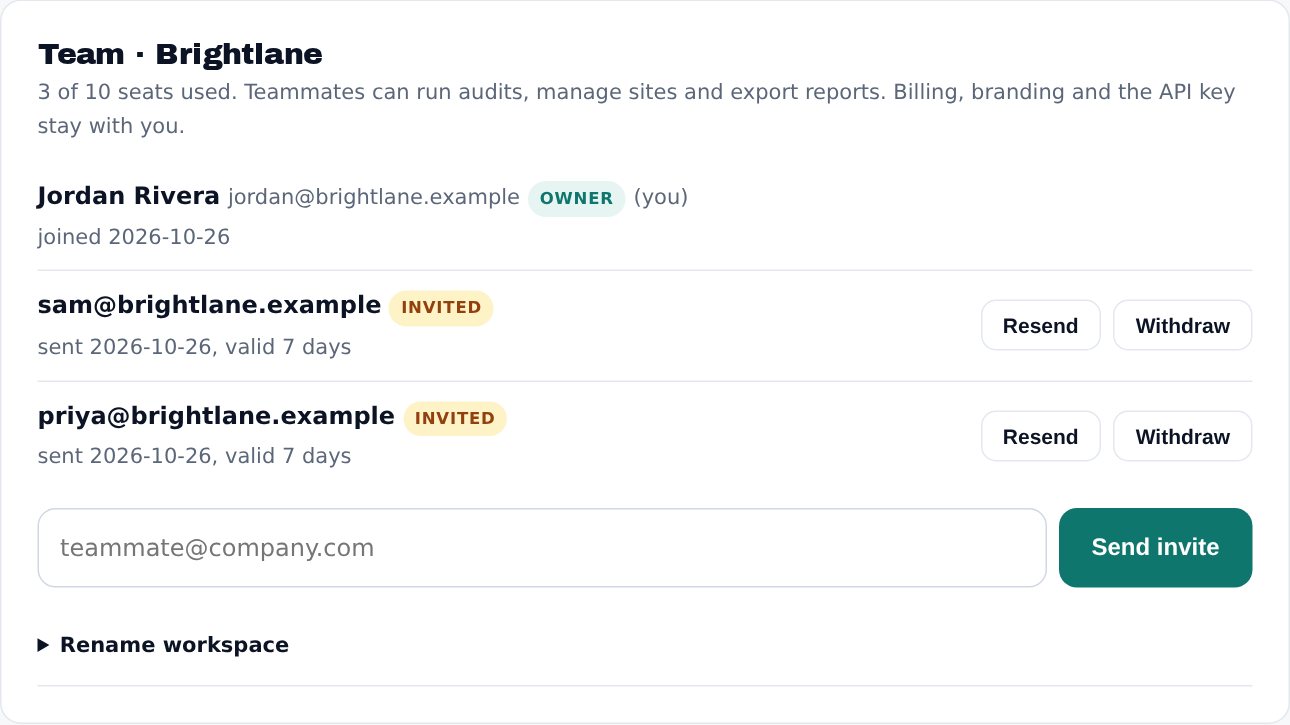
Your workspace has room for 3 people on Pro and 10 on Agency, you included. A Fix Sprint workspace has room for 3. In Team, type a teammate's email and press Send invite. They get a link that lasts 7 days and opens the workspace. They don't need a Whop account.
Teammates can run audits, add and remove monitored sites and export reports. Billing, white-label branding, the API key and the team list stay with you, the owner. You can remove a teammate or withdraw an invite at any time, and rename the workspace from the same card. If your plan ends, teammates see a paused page until you renew.
Fix Sprint progress
If you booked a Fix Sprint, a Fix Sprint card in your workspace shows where it stands (Intake → Scheduled → In progress → Delivered) and our latest note. We also email you each time it moves.
Share and earn
Your referral link gives you +1 monitored site for every person who joins through it and starts a paid plan, up to 10. Prefer cash? The Whop affiliate program pays 30% recurring.
Questions
How do I cancel?
In Whop: whop.com → Settings → Memberships → TightBucket → Cancel. You keep access until the end of the paid period.
Can I change plan?
Yes. Use Upgrade in the dashboard header, or change plan in Whop. Your sites and reports stay.